
Design Your Perfect Build With Our New TBC Gear Planner
We have just released a new tool called TBC Gear Planner that allows you to try out equipment, talents, enchants, sockets and racials.
Pick your race and class
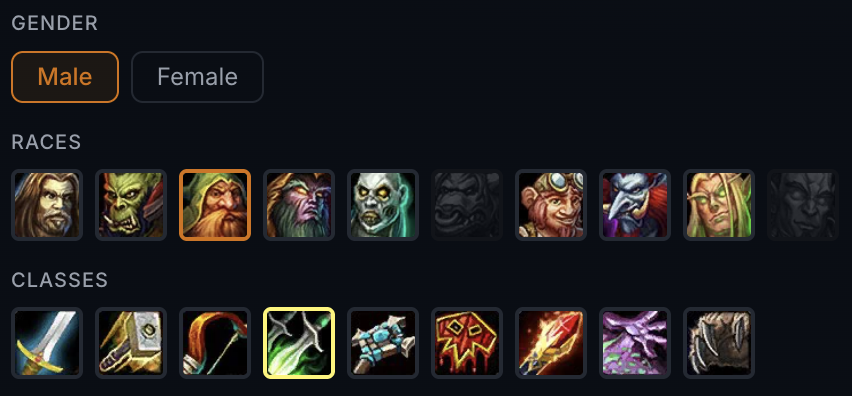
Start at the top: choose a gender, race and class. It’s not just about the looks, racials also impact the stat calculation for your character.
Plan for a specific phase
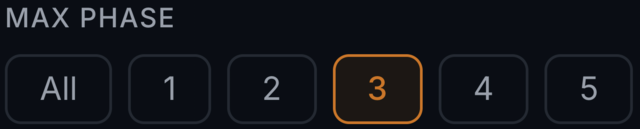
Use the Max phase filter to limit the item pool to what’s available by a given content phase. Planning ahead for Phase 3? Set it to 3 and you’ll only see gear that exists up to and including that phase.
Try on any item
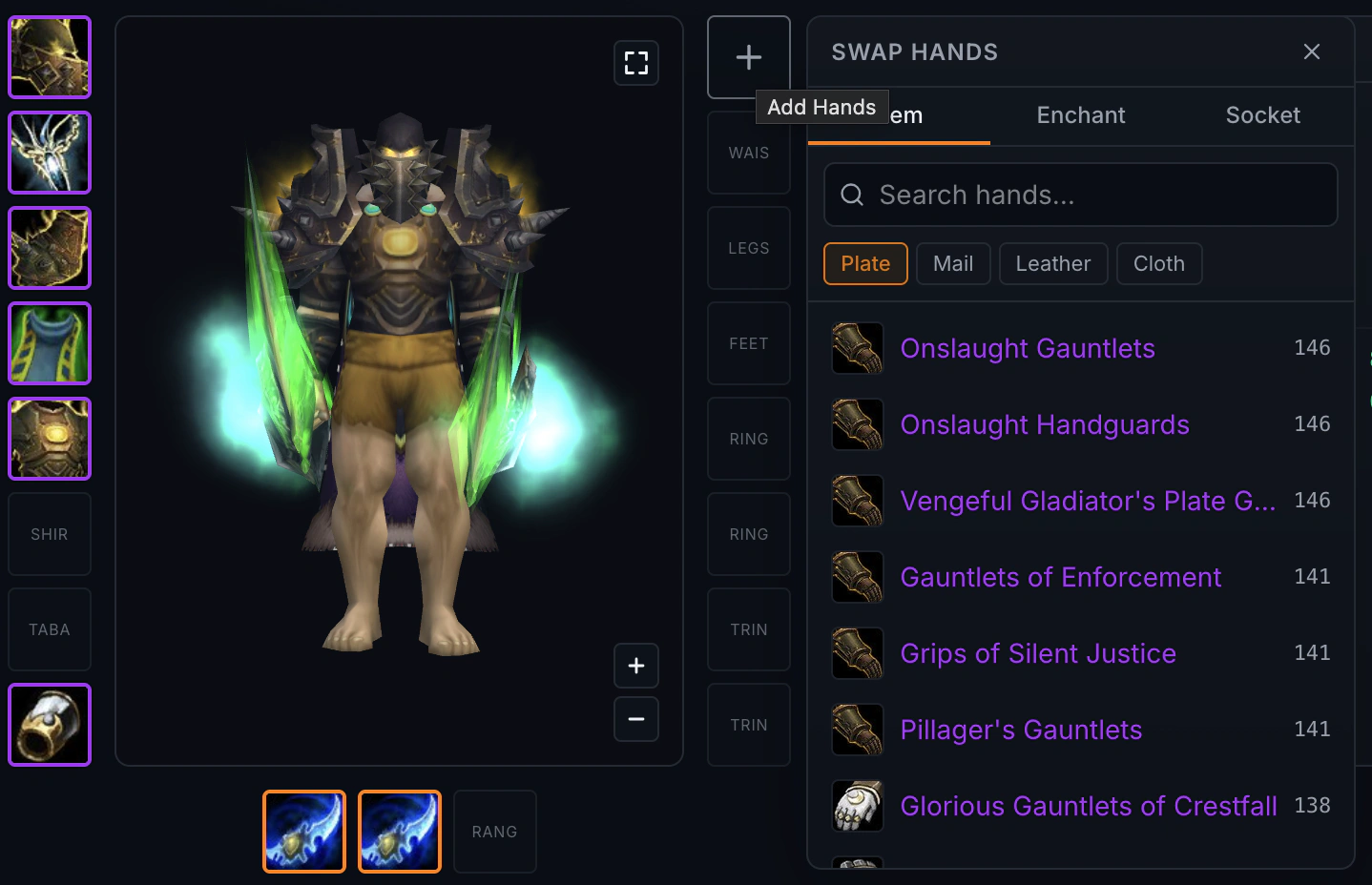
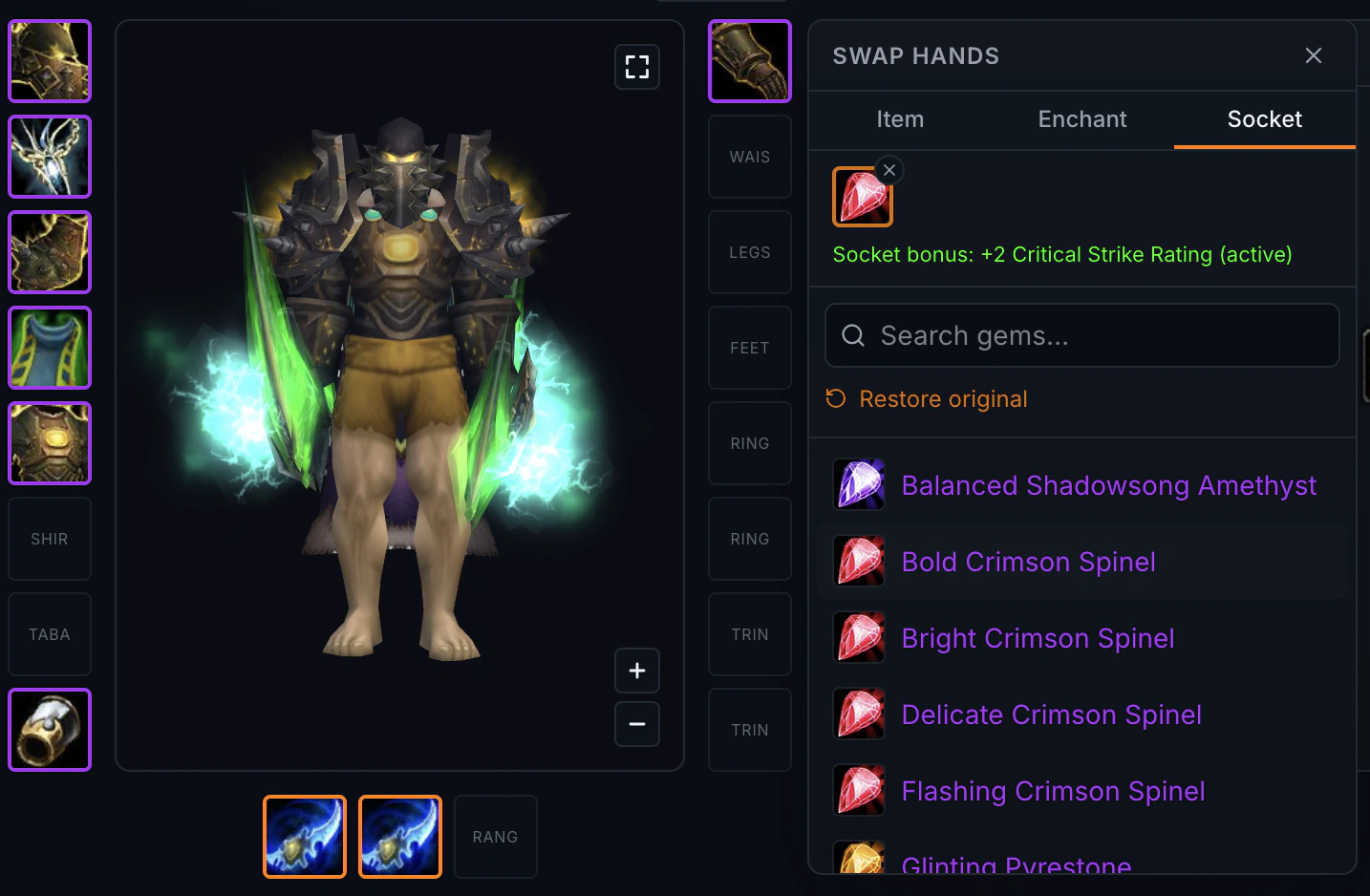
Click any equipment slot to open the item menu. Here we open the gloves item slot, if you’re a warrior you might want to keep the armor filter set to Plate. The 3D model viewer gives you a nice preview, and your stats update instantly as you select a new item.
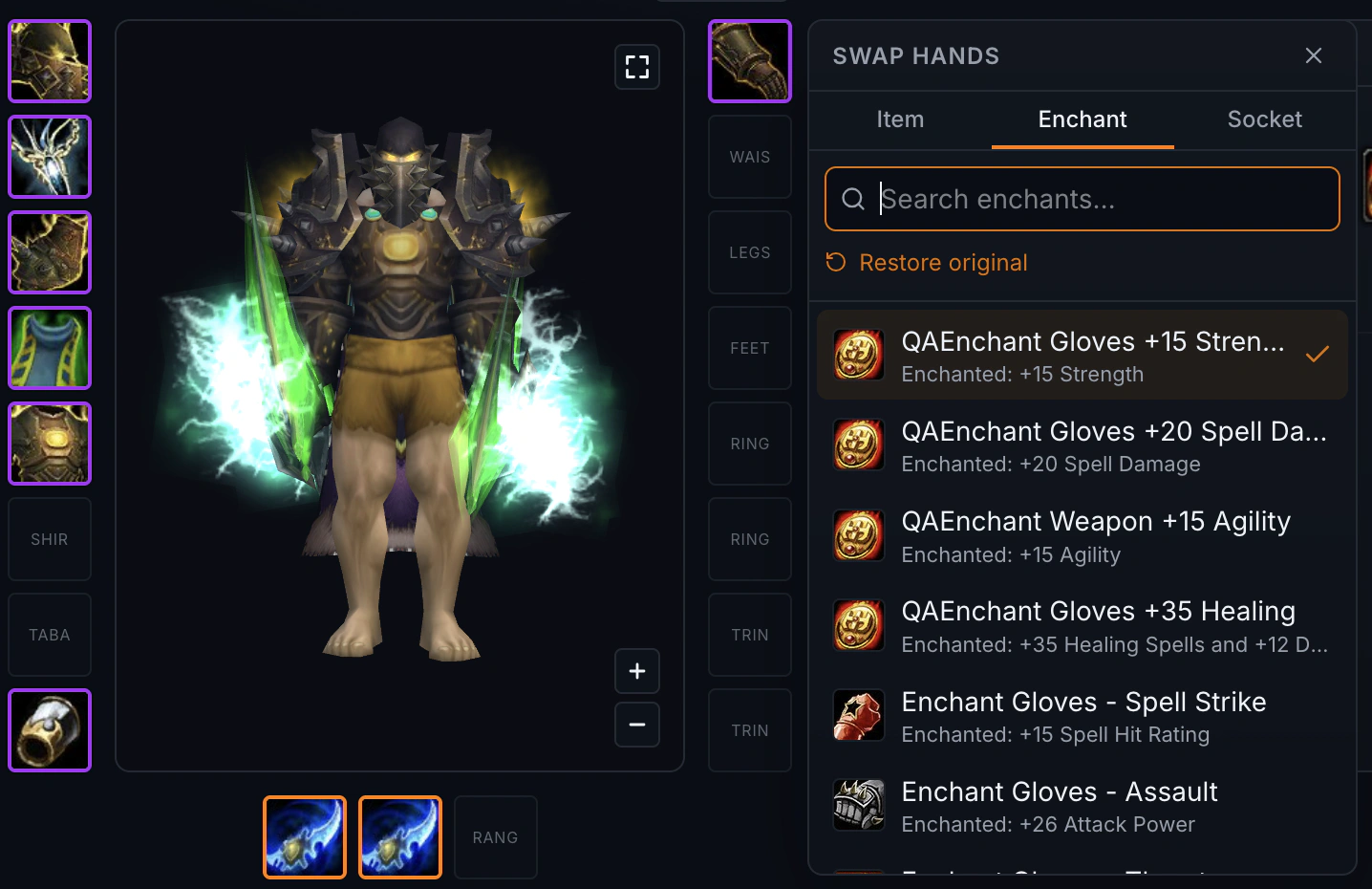
With the item equipped, switch to the Enchant tab and pick an enchant. The enchant is also automatically accounted for in the stats.
Finally, switch to the Socket tab and select gems for the item’s sockets. The risk is as always that you might end up endlessly dwelling on if a socket bonus is worth it or not.
Talents
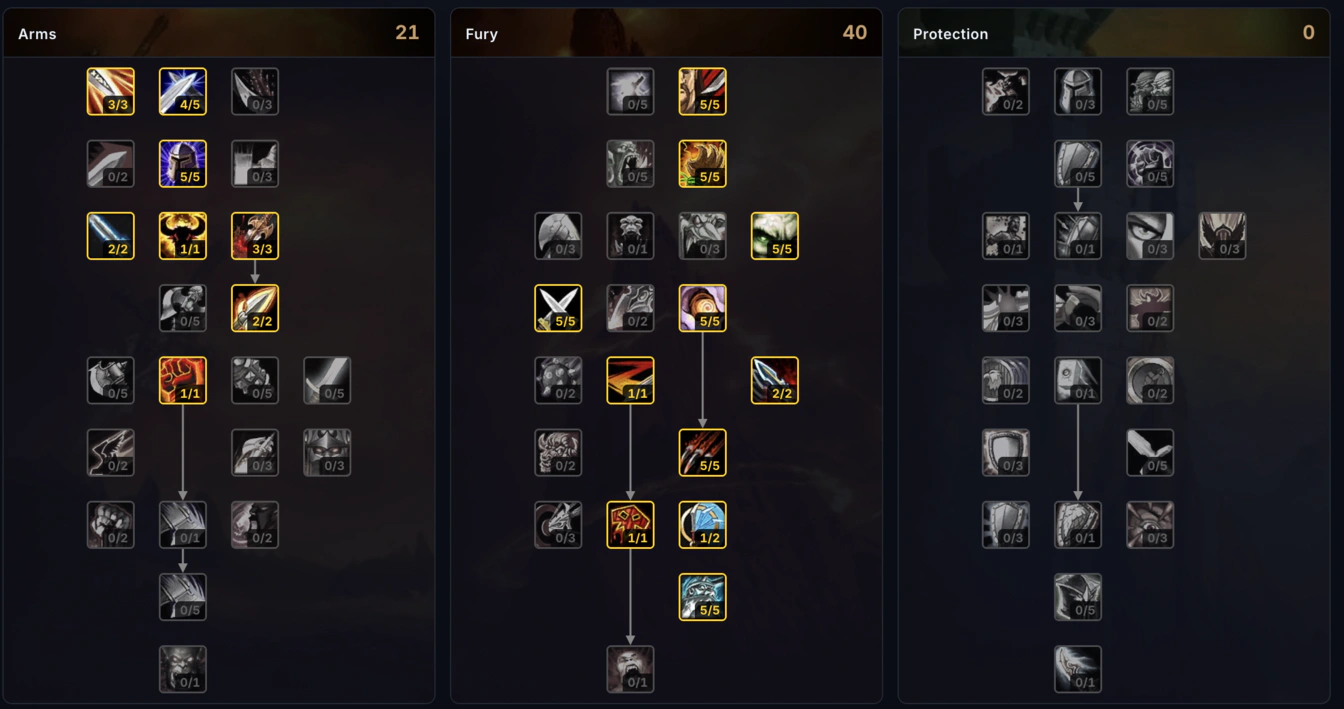
You can test out different talents builds, the talents are included in calculation of your stats.
Share your build
You can share your build with others by simply copying the link - open the warrior build from this example in the Gear Planner
Since we are also an armory page, you can search for your own character in the search bar, and quickly start planning your gear based on the items that you already are equpping. All you have to do is visit a character page and then click on the “Open Planner” button on the page, to start with you could check out the multi rank 1 player Mirlòl.
Happy planning!
- WarcraftGear Team